Start with the job.

Use your company's or brokerage's CRM first if they provide one.

Free plans and included features can change. Check the provider before signing up.

Download the scorecard, prospect profile, and voice guide · Setup videos: coming soon

PAT’S BOOK COMPANION TOOLKIT

Useful tools.
Your voice.

Start with the person you’re helping. Then choose a tool that makes the next step easier.

My advice: pick one real job, try one tool, and keep what helps. You do not need everything on this page.

FIND YOUR NEXT TOOL ↓

THE TOOL DIRECTORY

What are you working on?

22 tools · choose the job first

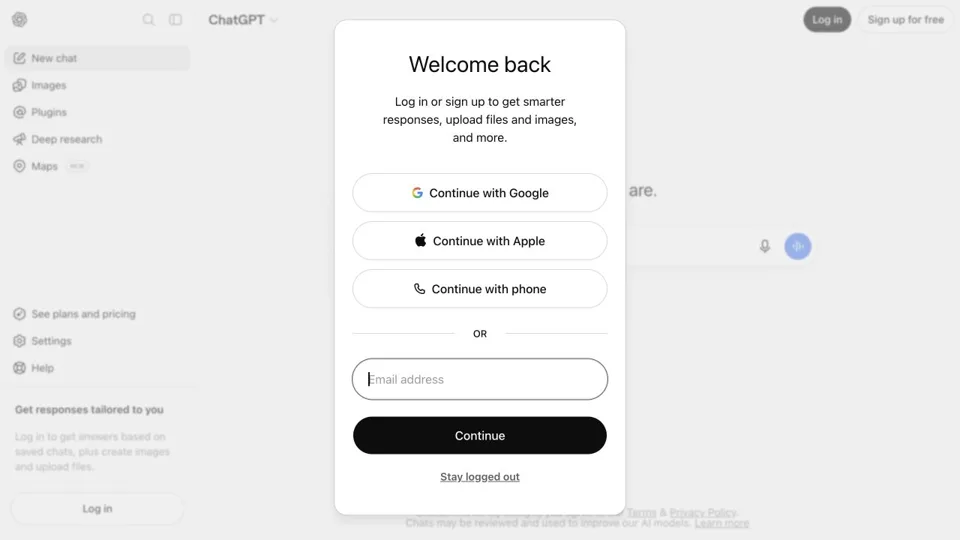
chatgpt.com
Preview of the ChatGPT website
Think & writeOfficial link

ChatGPT

Draft and revise messages; practice conversations using verified facts.

PAT’S TAKE

Get past the blank page.

Give it the facts, the person you’re writing to, and the job the message needs to do. Then edit the draft until it sounds like something you would actually say.

Try this firstRewrite one short message. Keep private details out.
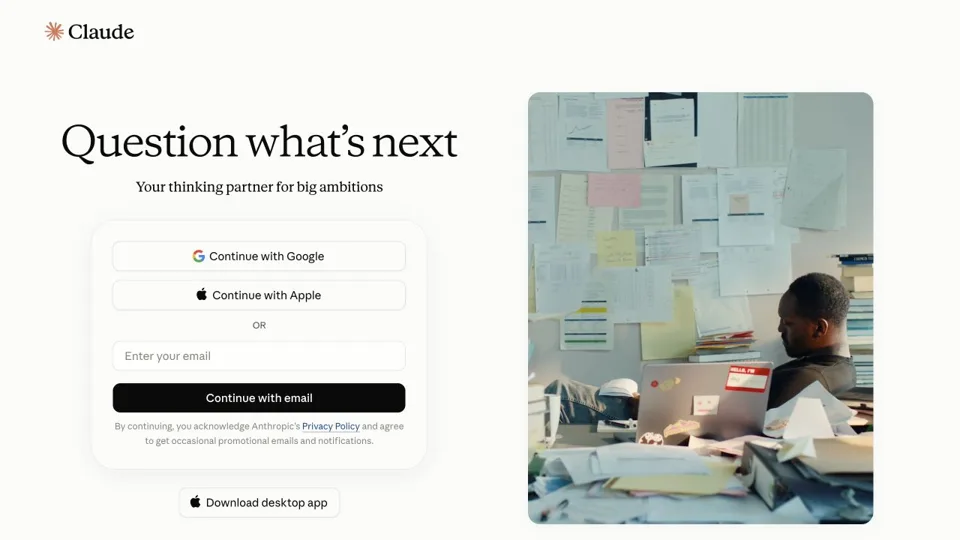
claude.ai
Preview of the Claude website
Think & writeOfficial link

Claude

An alternative for drafting, comparing wording, and reviewing longer notes.

PAT’S TAKE

Give a longer draft a second look.

When a message has too much going on, ask for a clearer structure. Keep your meaning, check the facts, and make the final call yourself.

Try this firstTry one page of notes and ask for a simpler outline.

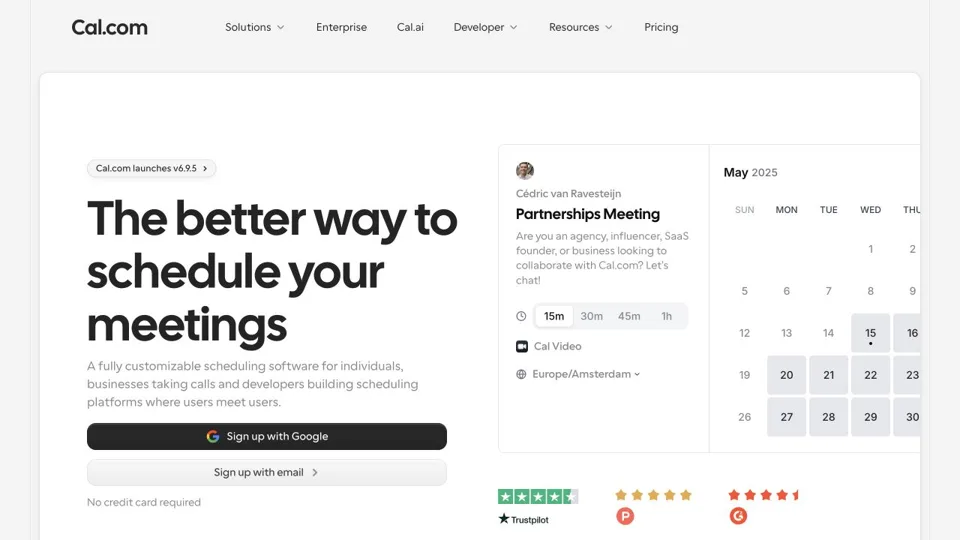
cal.com
Preview of the Cal.com website
Meet & connectReferral link

Cal.com

Let someone choose a suitable meeting time.

PAT’S TAKE

Make the next conversation easier to book.

If someone wants to meet, a clear booking link can save a string of emails. Set your real availability and leave yourself room between calls.

Try this firstCreate one meeting type and test it with your own calendar.

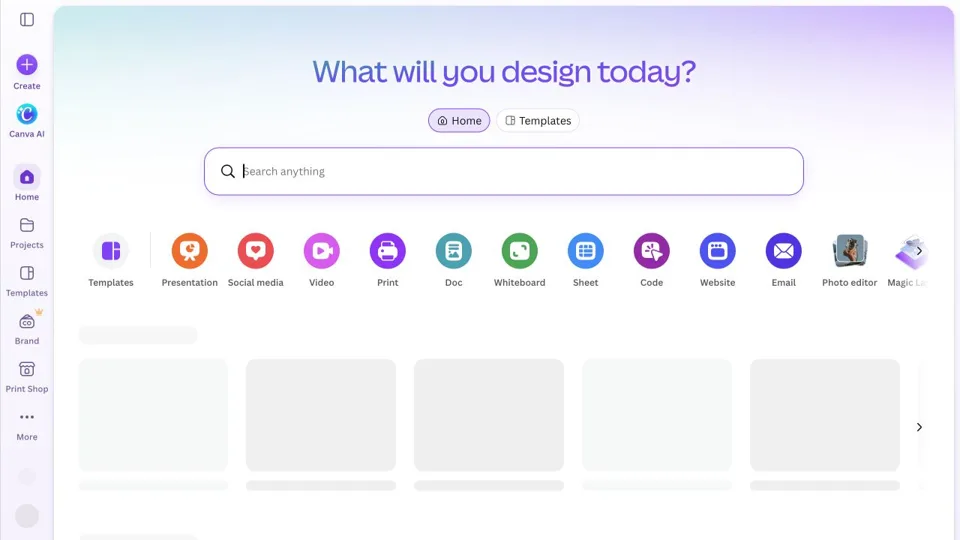
www.canva.com
Preview of the Canva website
Create & explainOfficial link

Canva

Create a simple brand kit, checklist, presentation, or free-resource PDF.

PAT’S TAKE

Make useful information easier to read.

A clear checklist or simple visual can help someone understand what you mean. Pick one layout, keep the words readable, and leave out anything that gets in the way.

Try this firstTurn one helpful idea into a one-page checklist.

gamma.app
Preview of the Gamma website
Create & explainOfficial link

Gamma

Turn a reviewed outline into a presentation or visual guide.

PAT’S TAKE

Start with the story, then build the slides.

Use a reviewed outline to shape a presentation or visual guide. Read every slide before sharing it. A polished layout still needs your judgment.

Try this firstBuild a short deck from an outline you already understand.

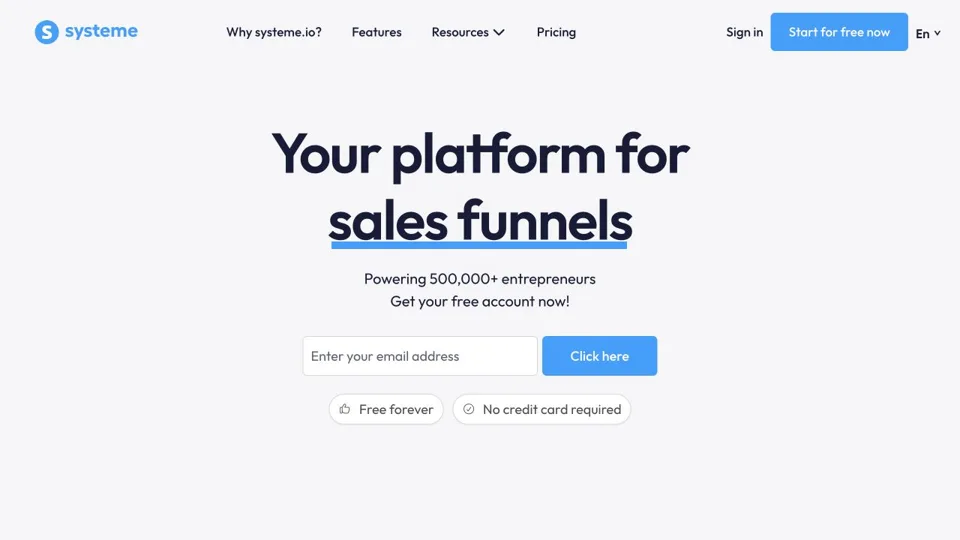
systeme.io
Preview of the Systeme.io website
Follow upReferral link

Systeme.io

Build a landing page, thank-you page, and matching delivery sequence.

PAT’S TAKE

Give your resource a clear home.

When someone asks for a guide, make the next step easy to understand. Explain what they’ll get, ask permission, and make sure delivery works before adding more steps.

Try this firstTest one signup page, one thank-you page, and one delivery email.

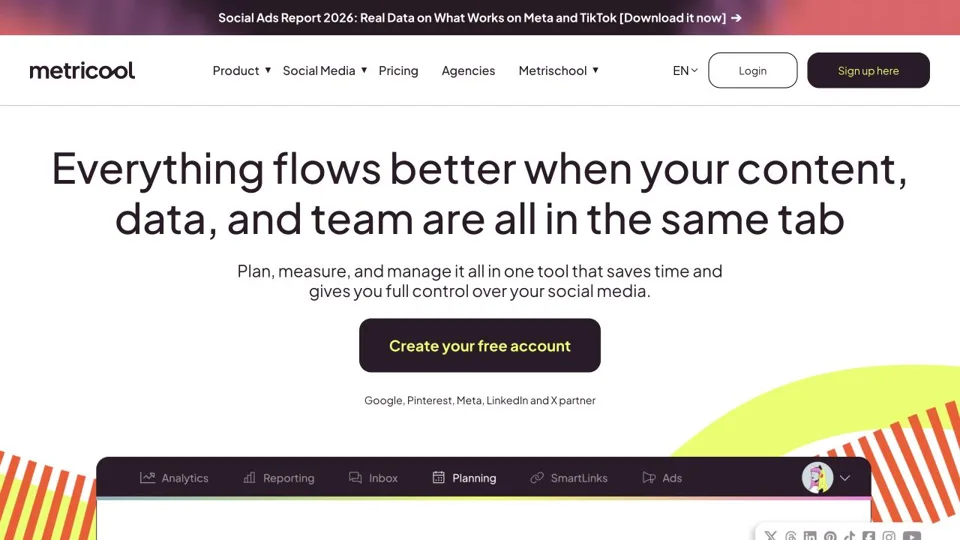
metricool.com
Preview of the Metricool website
Follow upReferral link

Metricool

Plan approved content and leave room to reply.

PAT’S TAKE

Plan your posts. Leave time to reply.

A schedule can keep useful content moving when life gets busy. Use it to support the conversation, then show up when people respond.

Try this firstPlan three reviewed posts and check how each looks on its channel.

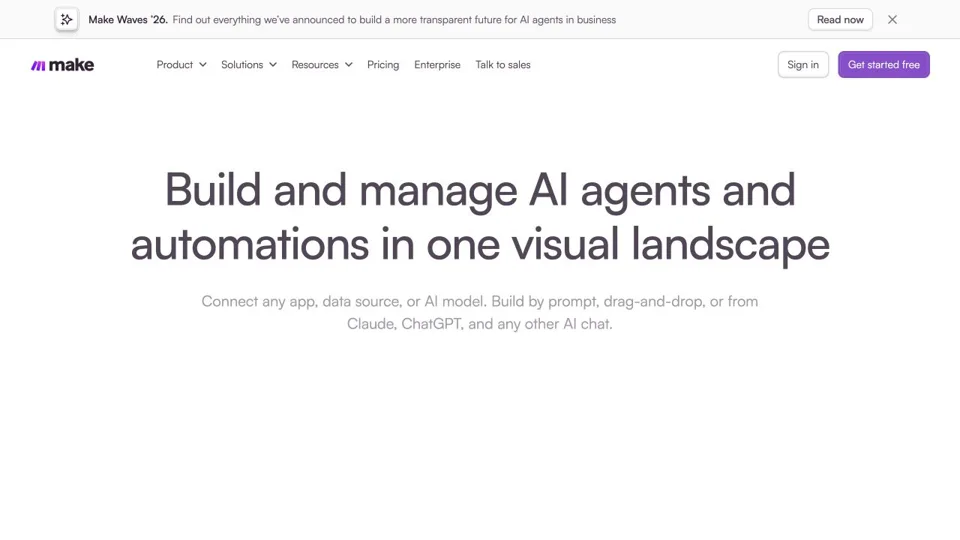
www.make.com
Preview of the Make website
Follow upReferral link

Make

Connect a reader’s chosen tools after the manual process works.

PAT’S TAKE

Connect a process you already understand.

Do the steps yourself first. Once they work, connect one small part and test what happens when something goes wrong.

Try this firstMap one workflow on paper before you switch it on.

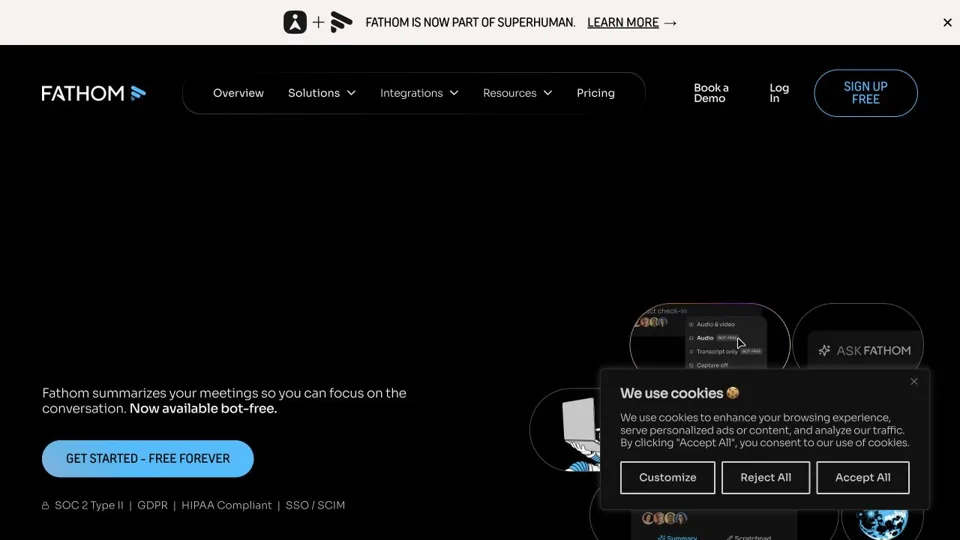
www.fathom.ai
Preview of the Fathom website
Meet & connectOfficial link

Fathom

Optional meeting summaries and notes.

PAT’S TAKE

Listen first. Review the notes afterward.

Meeting notes can help you remember what matters. Ask before recording, check the summary, and be careful about who can see it.

Try this firstTry one consenting test meeting and correct the summary.

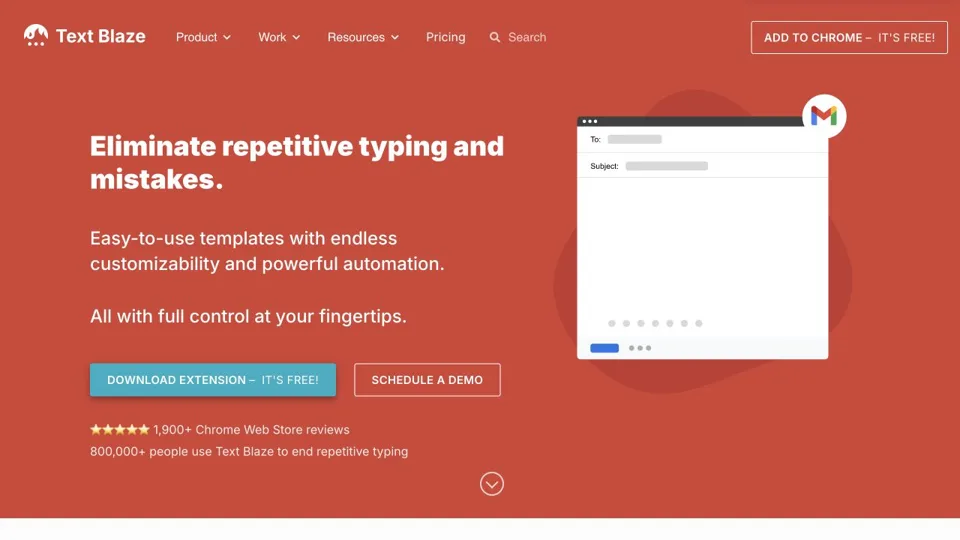
blaze.today
Preview of the Text Blaze website
Meet & connectOfficial link

Text Blaze

Reuse approved message starters and FAQ wording.

PAT’S TAKE

Save the useful words. Keep the message personal.

A message starter can save typing, especially for a question you answer often. Check the name, details, and timing every time you use it.

Try this firstSave three short replies with obvious placeholders.

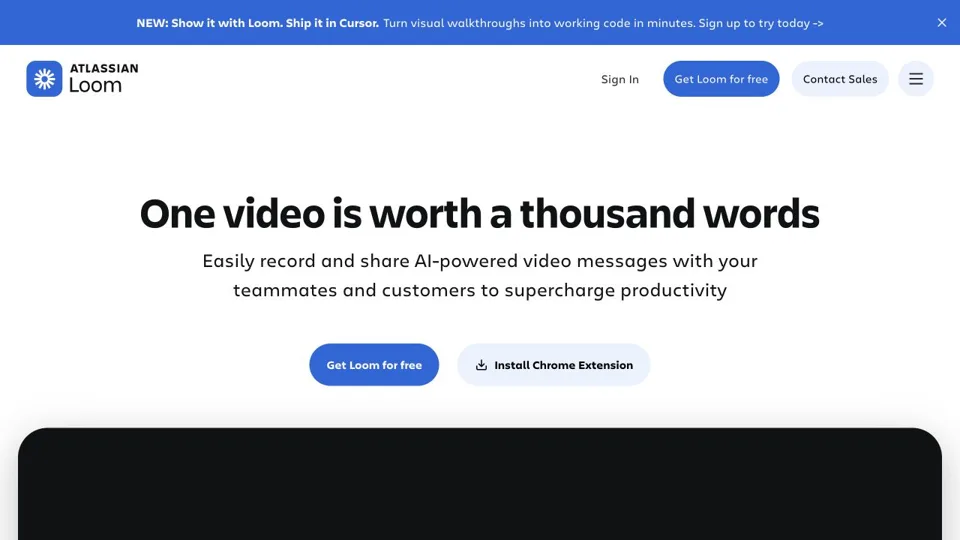
www.loom.com
Preview of the Loom website
Create & explainOfficial link

Loom

Record a short explanation or personal video message.

PAT’S TAKE

Show someone what you mean.

A short screen recording can make a practical explanation easier to follow. Keep it focused, hide private information, and give the viewer one clear next step.

Try this firstRecord a two-minute explanation and test the viewing link.

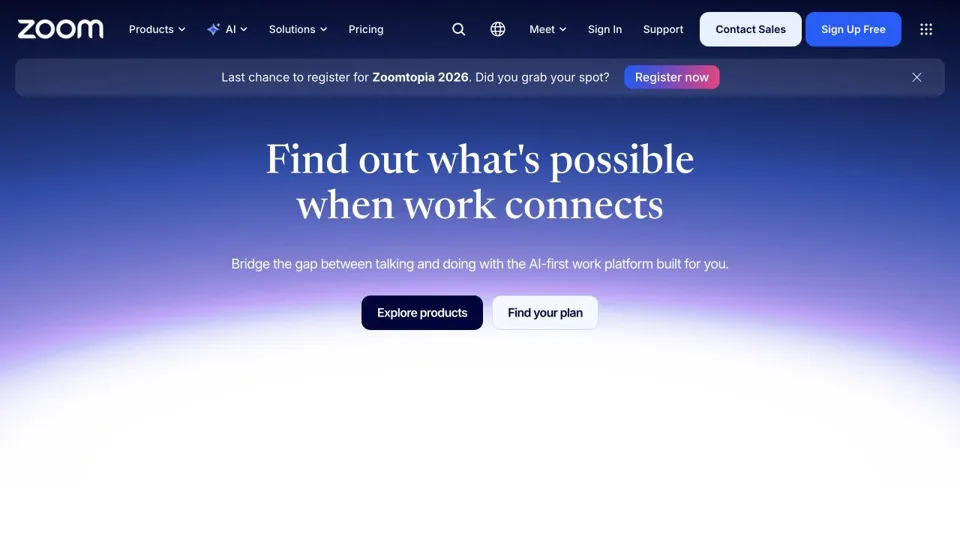
www.zoom.com
Preview of the Zoom website
Create & explainOfficial link

Zoom

Host a conversation, presentation, or webinar.

PAT’S TAKE

Give the conversation a little structure.

A clear purpose and a simple agenda help people know why they’re there. Test the sound and screen sharing before anyone has to wait for you.

Try this firstRun a test call and check the invitation, audio, and access settings.

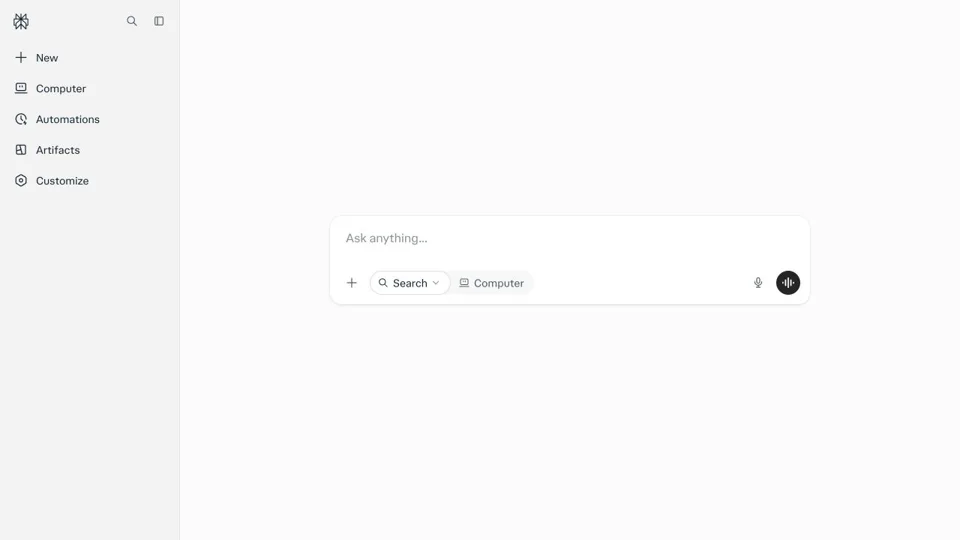
www.perplexity.ai
Preview of the Perplexity website
Think & writeOfficial link

Perplexity

Find starting points for customer and market research.

PAT’S TAKE

Use research as a starting point.

Follow the sources back to where the information came from. Check dates and evidence before you put a claim into your own words.

Try this firstResearch one question and open the original sources.

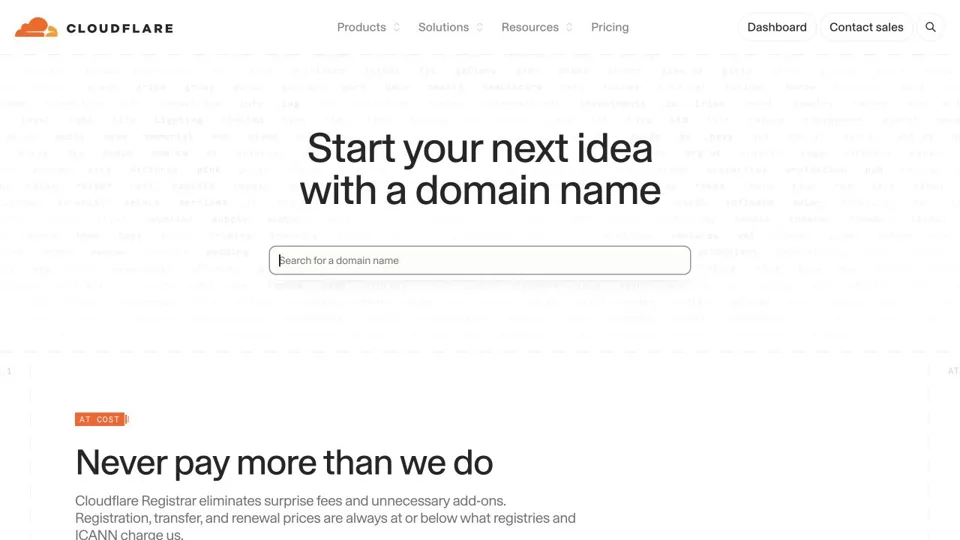
www.cloudflare.com/domains
Preview of the Cloudflare Registrar website
Business essentialsOfficial link

Cloudflare Registrar

Register and manage a domain for a home base.

PAT’S TAKE

Know who owns your online address.

A domain is part of your business home. Keep control of renewal and recovery, and understand what you already have before changing anything.

Try this firstCheck ownership, renewal date, and recovery access.

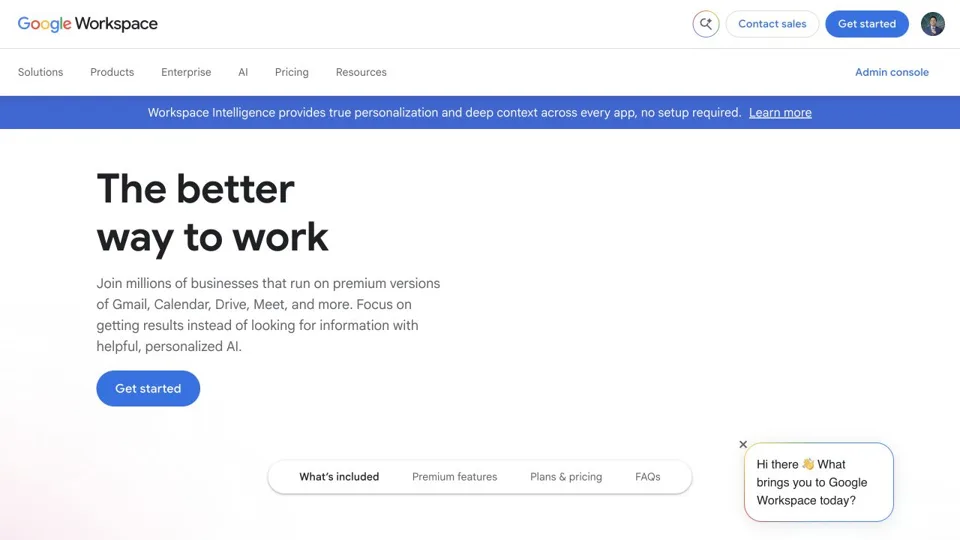
workspace.google.com
Preview of the Google Workspace website
Business essentialsOfficial link

Google Workspace

Professional email and shared documents.

PAT’S TAKE

Give your business email a proper home.

Use a clear business address and keep your documents organized. Finish mailbox security and sender authentication before you start sending campaigns.

Try this firstSet up the mailbox and test sending and receiving.

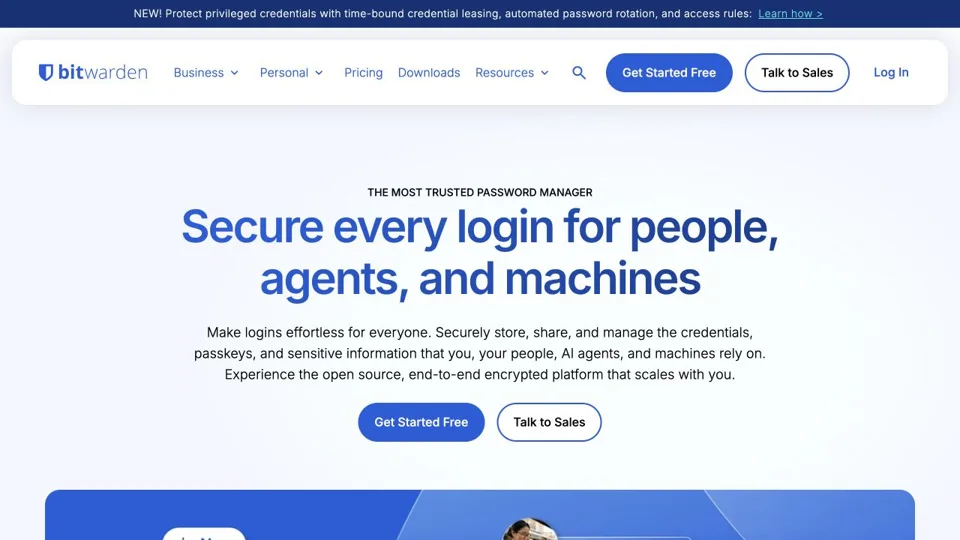
bitwarden.com
Preview of the Bitwarden website
Business essentialsOfficial link

Bitwarden

Manage unique passwords and account recovery.

PAT’S TAKE

Make account security easier to keep up with.

Unique passwords are easier to manage when you have a system. Protect the vault itself and keep recovery information somewhere safe.

Try this firstSecure the vault, then save one important account.

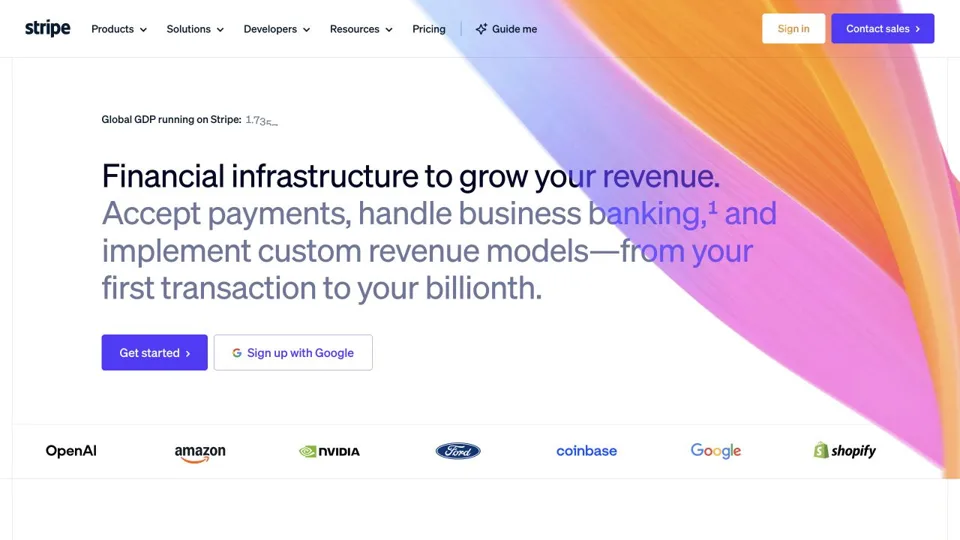
stripe.com
Preview of the Stripe website
Business essentialsOfficial link

Stripe

Accept payments where supported for your business.

PAT’S TAKE

Make paying clear from start to finish.

People should understand the price, what they’re buying, and what happens next. Check that the service supports your business before building around it.

Try this firstUse test mode to check checkout, receipts, and refunds.

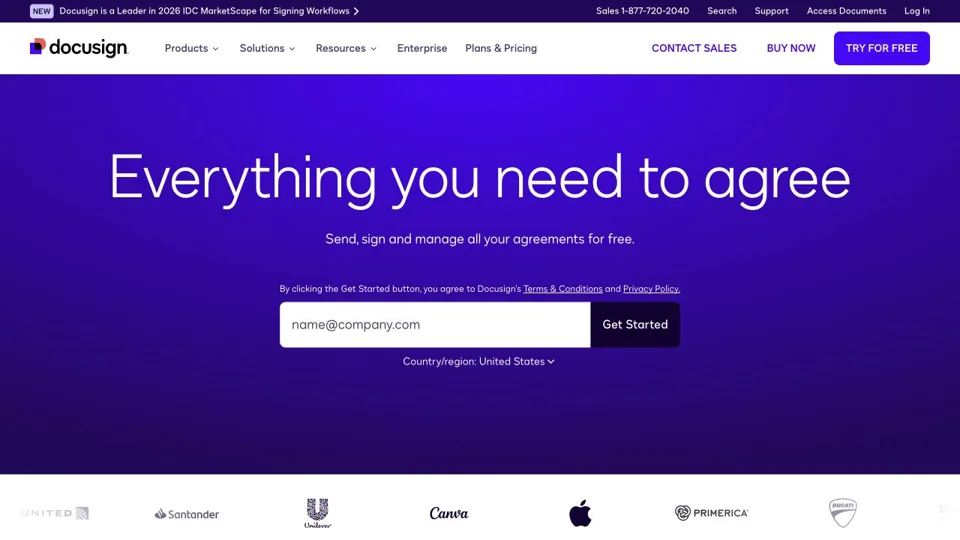
www.docusign.com
Preview of the Docusign website
Business essentialsOfficial link

Docusign

Send agreements for electronic signature where appropriate.

PAT’S TAKE

Make the agreement easy to follow.

Check the wording, the people signing, and every field before sending. The tool handles signatures; you still need an agreement that fits the situation.

Try this firstTest a sample agreement and the completed-copy delivery.

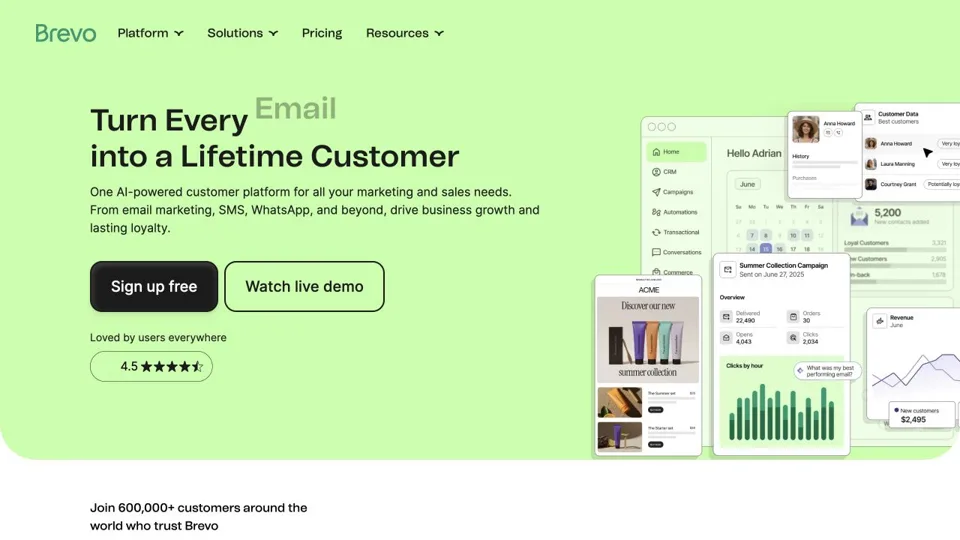
www.brevo.com
Preview of the Brevo website
Follow upOfficial link

Brevo

Deliver requested resources and permission-based email follow-up.

PAT’S TAKE

Send what people asked you to send.

Start with clear permission and a useful email. Test confirmation, delivery, and unsubscribe so the person stays in control.

Try this firstUse a test list and walk through the whole signup yourself.

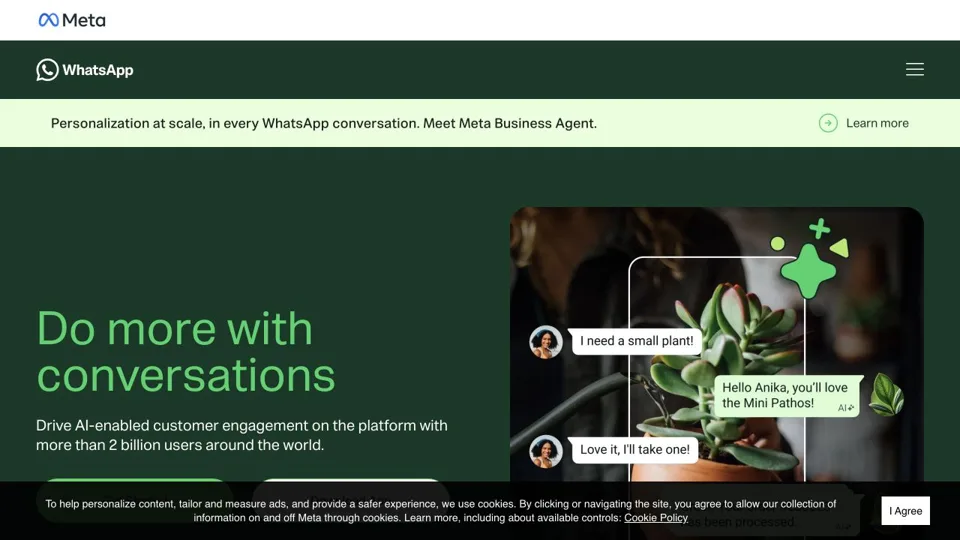
www.whatsapp.com/business
Preview of the WhatsApp Business website
Meet & connectOfficial link

WhatsApp Business

Use a clear business profile and permission-based conversations.

PAT’S TAKE

Keep a business conversation human.

Make it clear who you are and why you’re getting in touch. Ask permission and respect the person’s choice about continuing the conversation.

Try this firstCheck your business profile and test with a consenting contact.

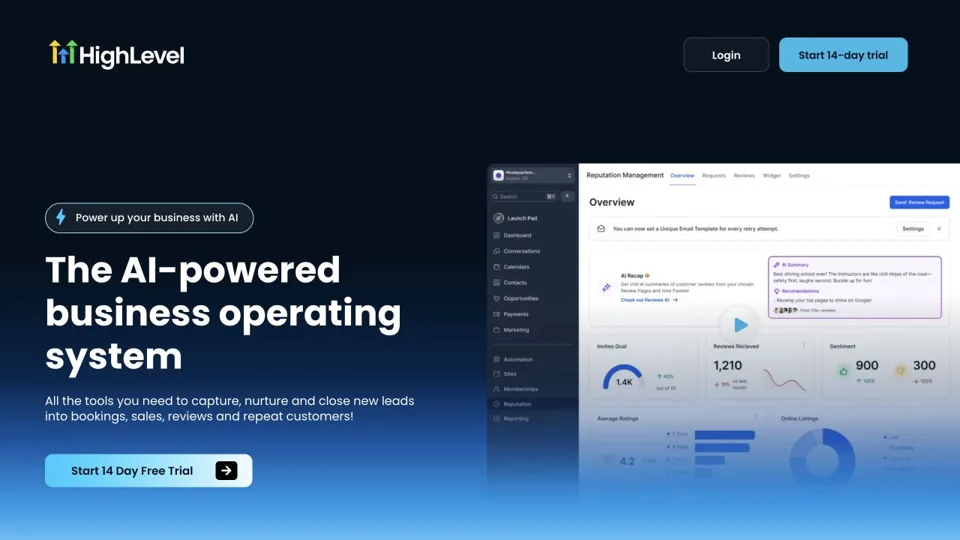
www.gohighlevel.com
Preview of the HighLevel website
Follow upReferral link

HighLevel

Manage lead capture, appointments, and customer follow-up in one platform.

PAT’S TAKE

Choose one job before adding a bigger system.

A platform can bring several steps together, but you still need a clear process. Start with one resource request or appointment and build from there.

Try this firstTest one contact, one requested follow-up, and one appointment.

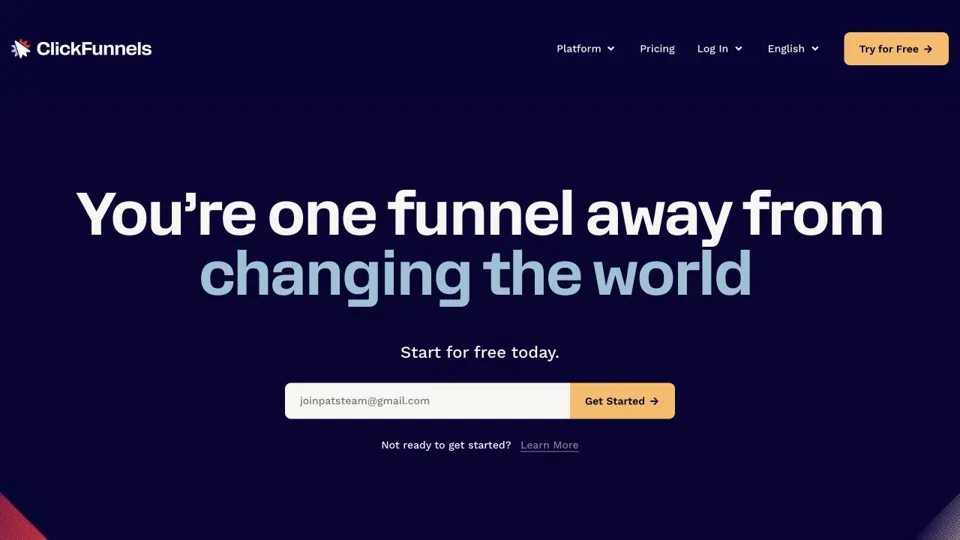
www.clickfunnels.com
Preview of the ClickFunnels website
Follow upReferral link

ClickFunnels

Build a focused landing page and a clear next step for a requested resource.

PAT’S TAKE

Give one page one clear purpose.

Help the reader understand the resource and the next step. Make the message useful, keep the signup straightforward, and check what happens after they click.

Try this firstTest one landing page and its thank-you page on your phone.

KEEP IT SIMPLE

A notebook is a tool, too.

You can practice every conversation, track a promise, and plan a useful message without buying new software. Choose the tools that fit the way you work.

OPEN THE CHAPTER WORKSHEETS →

ABOUT THESE LINKS

Some links are affiliate referrals. If you make a qualifying purchase or signup, Pat may earn a commission. Each tool’s link page explains the relationship before you leave. No purchase is required to use the book resources.

Website previews captured October 20, 2026. Product interfaces, plans, and prices can change. Tool names and screenshots belong to their respective owners.

OFFICIAL GUIDANCE

Check the rules where you work.

Use these official starting points for the relevant country and channel. They do not cover every jurisdiction, industry, privacy obligation, or telephone/text rule. Check your local regulator, platform policies, and company policies before sending. A resource request does not automatically permit every kind of follow-up.

IF YOU SEND EMAIL FROM YOUR OWN DOMAIN

Help people recognize your email.

If you send business email from an address like you@yourbusiness.com, your email provider may ask you to verify that you own that domain and authorize its service to send for you. These settings help receiving services check that the message came from an authorized sender. They can help with delivery, but do not guarantee a place in the inbox.

You do not need to figure out the technical settings yourself. Follow your email provider’s instructions, or ask the person who manages your website domain to help. You may see the names SPF, DKIM, and DMARC in those instructions. They are the checks behind the scenes.

If you only use a regular Gmail or Outlook address, you do not manage these domain settings yourself. If your business email provider already completed this setup, check with them before changing anything.

My advice: before sending a new email campaign, ask your provider whether your domain is verified. Then test your signup and send a message to an address you can check. Make sure the confirmation, links, and delivery work as expected.

Using Brevo? Follow its domain-verification instructions →